



Use AI for hyper personalised outreach and to query ad performance in plain language, so you are not relying purely on an agency for insight.
Lunch & Learn
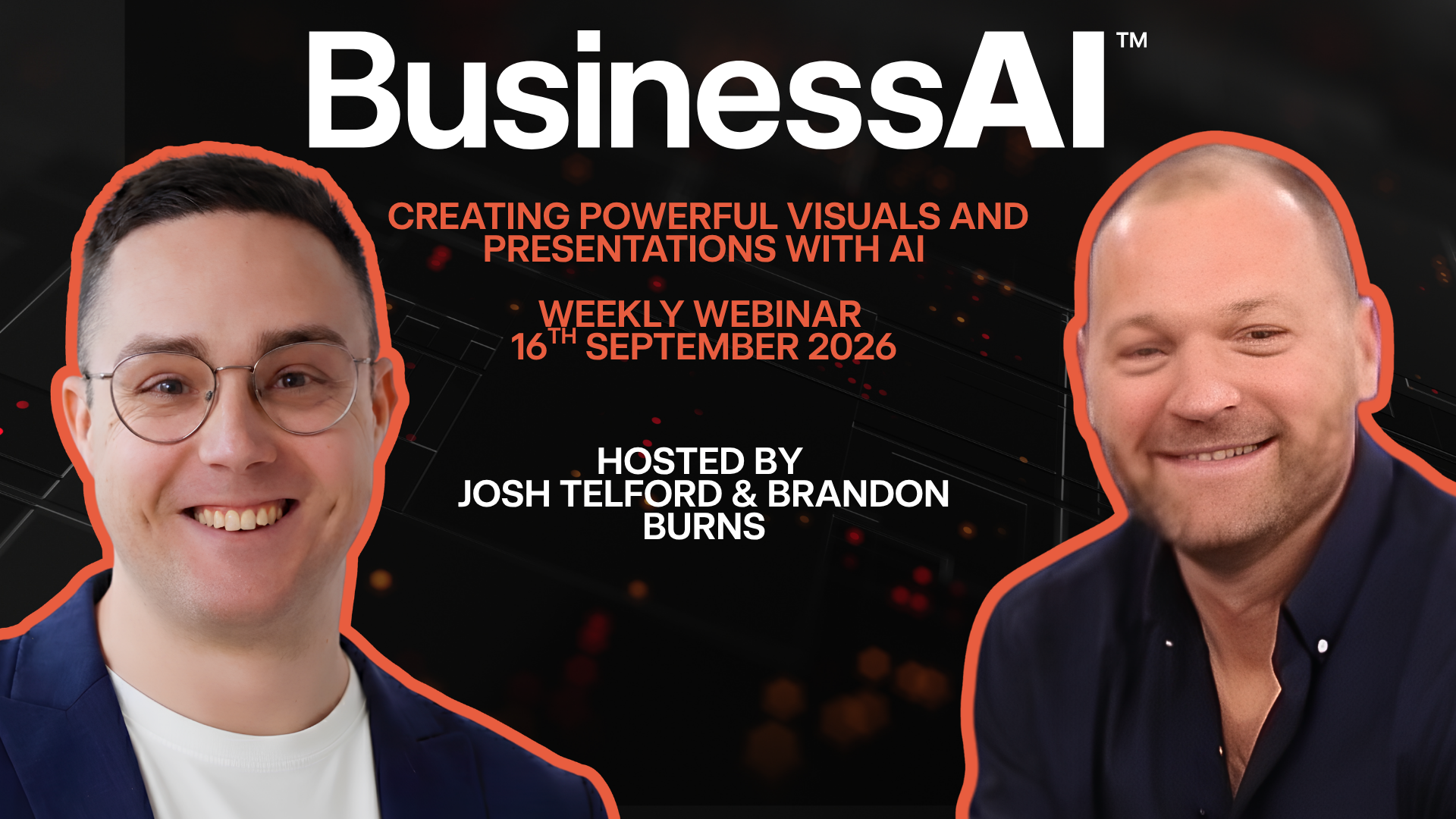
16 September 2026, 12:00 to 12:45pm
Creating powerful visuals and presentations with AI
The setup that turns Claude into your design and pitch team, not just a chat window.
One hour. Grab your lunch. We'll build a real presentation live so you can copy the exact setup.
Watch first
What to expect
Josh and Brandon on why visuals and presentations are one of the easiest wins with Claude, what you'll see built live, and how to walk away with something you can use the same day.
Watch the recording
Creating powerful visuals and presentations with AI
Watch the full Lunch & Learn session and follow along with the prompts and examples below.
Presented by

Josh Telford
Senior AI Consultant, BusinessAI

Brandon Burns
Head of Experience, BusinessAI
How to go from blank page to a killer presentation in minutes, not hours
How to personalise decks and proposals for every prospect or client, without starting from scratch each time
How to get Claude to know your brand and style guide back to front, so every asset comes out the same, every time
Live
Questions from the room
Asked 0 · Answered 0 · Waiting 0Latest Q&A recording
Missed the weekly Q&A call? Watch the latest session here, then drop your own question below.
How it all fits together
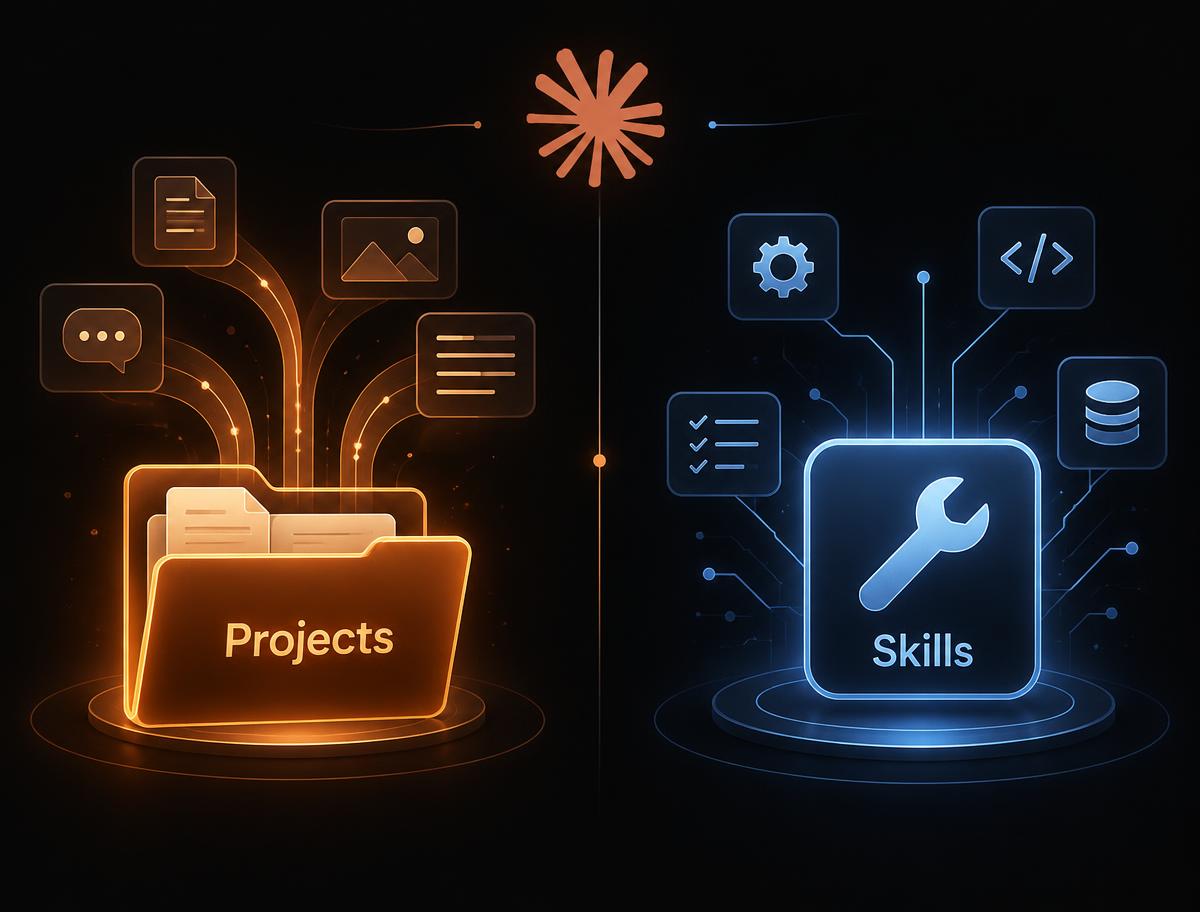
Projects vs Skills
Before you see it in action, here is the mental model. Two ideas do most of the work.
Projects
A persistent workspace for one area of work, say "Client Proposals" or "Marketing". It holds your files, instructions and chat history so you are not re-explaining context every time you open it.
Skills
A saved, repeatable method Claude follows on demand, like a stored procedure, for example "our-brand" or "build-a-proposal". Call it by name and it works the same way every time, for anyone on the team.
Rule of thumb: Projects hold the context for an area. Skills are the repeatable jobs you run inside, or outside, that area.
Setting up your design and brand style guide (once)
01
Gather your brand assets: logo files, colour palette, fonts, tone of voice examples, and a past deck or proposal or two.
02
Hand them to Claude in one go and ask it to save them as a skill (for example "our-brand"), so it is remembered for every future asset without re-explaining it.
03
Test it small first, a one pager rather than a 20 slide deck, before trusting it with the real thing.
04
Update it any time your brand changes. One message, and every future asset picks up the change.
A quick note on Canva
Everything above happens inside Claude itself, no other tool required. If your team already has Canva templates you are attached to, Claude can also connect to Canva to autofill and export them, but that is a bonus, not the point of today.
Pick the right tool
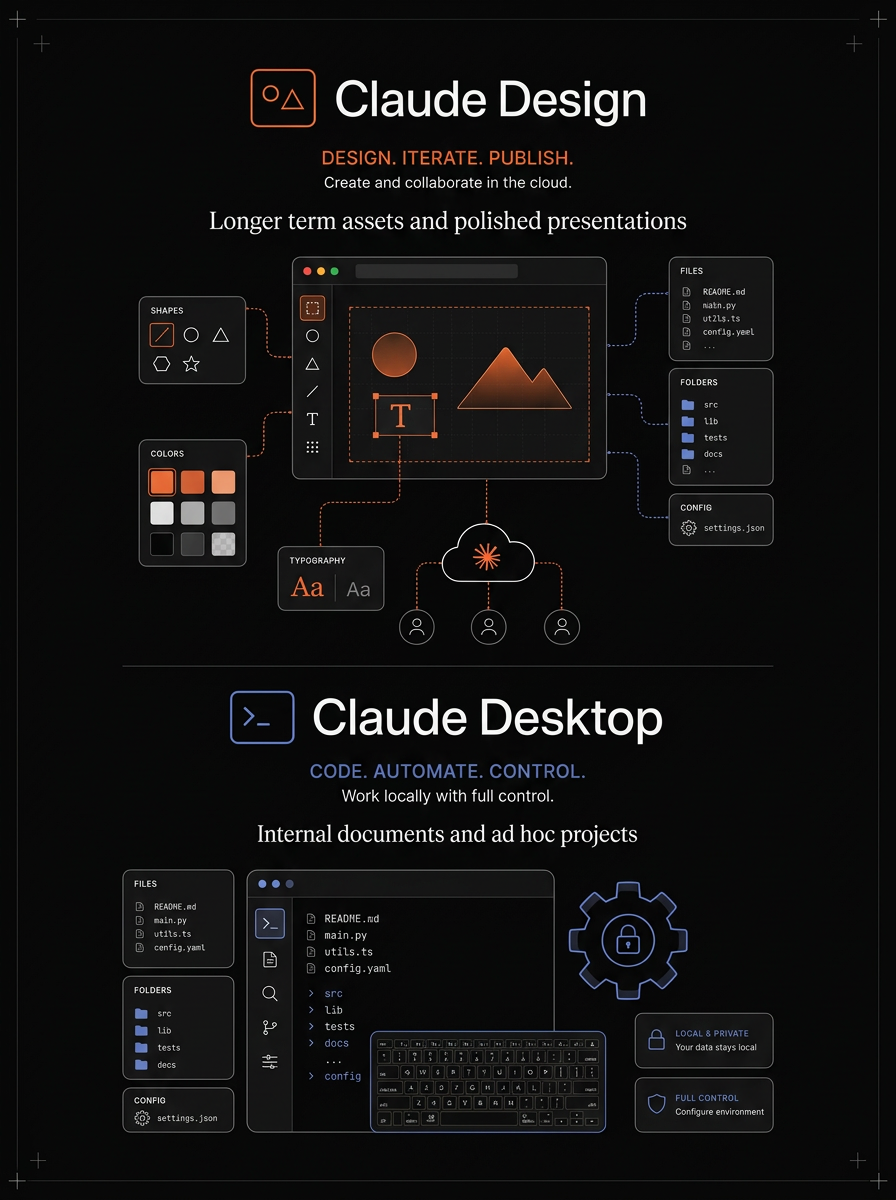
Claude Design vs Claude Desktop
Both run the same Claude brain, but they are built for different jobs. Match the tool to the task and you get better output with less friction.
Claude Design
When to use it: Use Claude Design for longer term assets and polished presentations: pitch decks, proposals, one pagers and brand visuals that you will reuse, refine and share with clients.
Get the most out of it: Build a dedicated project for each client or campaign, save your brand as a skill, and keep every version in one place. Claude Design becomes your persistent design workspace.
- Persistent projects keep every deck, revision and brand asset together for ongoing work.
- Polished exports: PowerPoint, PDF and image outputs that are ready to send.
- Brand skill locks in colours, fonts and tone so every asset stays consistent over time.
Claude Desktop
When to use it: Use Claude Desktop for internal documents and ad hoc projects: quick analysis, drafting in your local files, one off research, or anything that lives on your machine today and might be gone tomorrow.
Get the most out of it: Drop files straight into the chat, ask for summaries, rewrites or comparisons, and let Claude work across your folders without building a formal project around it.
- Fast ad hoc work: drag in a document and get an answer without setup.
- Local file access: reads and writes files on your computer in the moment.
- Perfect for internal drafts, research and tasks that do not need a shared, reusable asset.
Claude for design
Why use Claude for visuals and presentations?
Claude turns a brief into a finished asset faster than building slide by slide. Here is where it shines.
Natural language design
Describe what you want in plain English and Claude builds the layout, copy and structure. No design tool expertise needed to get started.
Brand locked in
Save your colours, fonts, tone and assets as a skill once, then every deck, proposal and visual follows the same rules automatically.
From brief to export
Go from a one line brief to a PowerPoint or PDF in the same conversation. Claude handles the structure so you handle the decisions.
Repurpose in seconds
Take one winning deck and rebuild it for a different industry, client or problem without rebuilding the formatting from scratch.
Demo first
Set up a skill called "our-brand"
Before we build anything live, Josh will show you how to save your brand once so Claude can reference it across every project, deck and proposal from here on.
Step 1
Gather your brand inputs
What to attachprompt
Logo files (PNG/SVG), colour hex codes, font names, a short tone of voice guide, and 2-3 examples of past decks, proposals or one pagers you like.
Step 2
Create the skill
Prompt typed into Claudeprompt
Save everything I have attached as a skill called 'our-brand'. From now on, whenever I mention 'our-brand', apply our colours, fonts, tone of voice and layout rules automatically without asking me again.
Step 3
Build a brand guidelines skill
Prompt typed into Claudeprompt
Create a brand guidelines skill for [CLIENT NAME] from the attached assets and our website [URL]. Include sections for brand character, tone of voice, colour palette, typography, logo usage, and a quick reference. Ask me any clarifying questions particularly about our character and tone before you start.
Step 4
Test it with a small asset
Prompt typed into Claudeprompt
Using our 'our-brand' skill, create a one page company overview with a headline, three bullet points, one short paragraph and a call to action. Apply our brand colours, fonts and tone.
Step 5
Use it across projects
Prompt typed into Claudeprompt
I am starting a new project for [client/campaign name]. Please reference our 'our-brand' skill for all visuals, copy and layout so everything stays consistent.
Step 6
Export a design system reference
Prompt typed into Claudeprompt
I'm building a design system in Claude Design and need a reference to upload into it. Create a design system PDF from that brand guidelines skill, covering colours, typography, spacing, and components as a visual reference.
Why this matters
A brand skill is not a template. It is a set of rules Claude follows every time you mention it. Colours, fonts, tone, layout preferences and examples all live in one place.
- One setup, reused across every project and conversation.
- Anyone on the team can call it by name and get the same result.
- Update the skill once and every future asset picks up the change.
Pro tip: name it something obvious like "our-brand" or "businessai-brand" so the whole team uses the same word every time.
Smart habits
Do's and don'ts
The traps that slow people down, and the habits that make this workflow actually useful.
Do
- Start with one small asset, a one pager or single slide, before building a full deck.
- Save your brand guidelines as a skill so every future asset follows the same rules.
- Give Claude examples of past work you like, it copies tone and structure faster than instructions alone.
- Name your projects and skills clearly so the team can find and reuse them.
- Review exports before sending, AI is fast but you are still the final check.
Don't
- Dump a 50 page deck in and ask for a perfect rewrite in one go.
- Skip the brand skill and retype your colours and fonts every single prompt.
- Trust slide numbers, client names or pricing without double checking them.
- Build everything in one giant project until you know the workflow works.
- Forget the human step, AI gets you 90% there, the last 10% is your judgment.
Design system
Set up your Claude Design workspace
A few minutes of setup in Claude Design saves hours later. Here is how to build a reusable workspace that keeps your brand, templates and past work in one place.
Step 1
Create a design project
Prompt typed into Claudeprompt
Create a new Claude Design project called 'BusinessAI Design System'. This is where we will store our brand skill, reusable templates and final assets.
Step 2
Load the brand skill
Prompt typed into Claudeprompt
Reference our 'our-brand' skill in this project so every deck, proposal, social asset and document we build here uses our brand automatically.
Step 3
Save reusable templates
Prompt typed into Claudeprompt
Save our pitch deck layout, one pager layout and social media layouts as reusable templates in this project so we can start from them instead of from scratch each time.
Step 4
Build from the workspace
Prompt typed into Claudeprompt
I need a new [deck/proposal/social asset/document] for [client or campaign]. Use the brand skill and the [template name] template from this project.
What you get
Instead of starting every asset from a blank page, your team gets a shared workspace with your brand rules, proven layouts and past work already loaded.
- One project holds every version, template and brand rule.
- New assets start from templates, not from scratch.
- Anyone on the team can jump in and produce on-brand work.
Keep the project name simple. "BusinessAI Design System" or "[Your company] Brand Workspace" works better than something clever no one can remember.
Live build
Examples we'll build live
Screenshots of the real thing go here straight after the session.
Meet the team
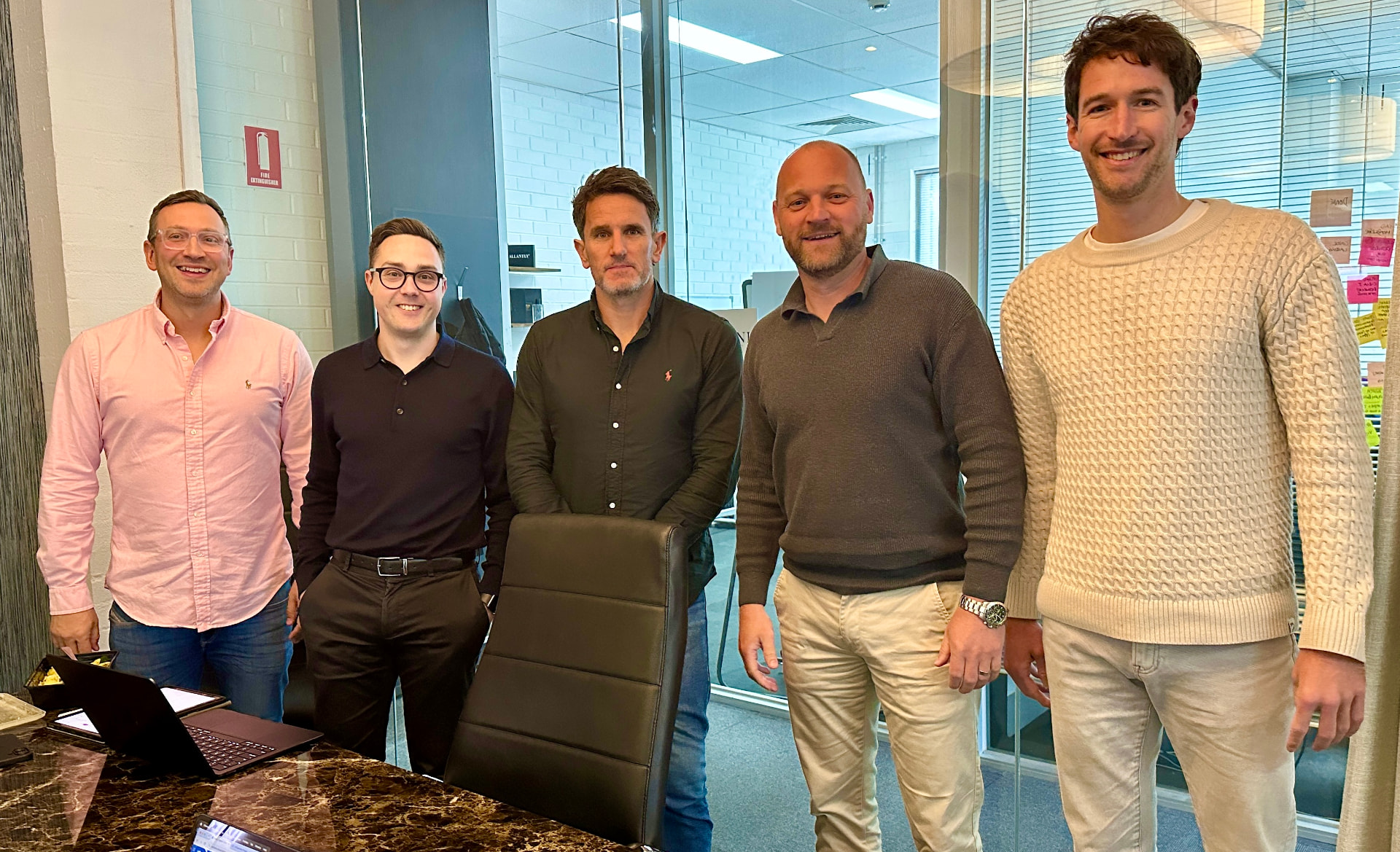
The people on the call
We run these sessions live, build the examples in front of you, and leave the prompts here so you can take them straight back to your own business.
Josh Telford, Brandon Burns, Rhys Henderson, John Mayers and Martin Astbury.